


Keep it secret. Keep it safe.
This portal is for Scandlearn eyes only. Please do not share pages or content outside internal channels like Slack or ClickUp. No screenshots on social media, no copy pasting into random chats. If someone needs access, ask the Project Manger.


Our workflow
The process we follow so projects finish on time and nobody has to enter the Panic Olympics.![Scandlearn-design-system-get-started-timeline-1]()
1. Script
Every course starts with the Training Team. They outline, argue with themselves a bit, then hand us a finished script when they are happy enough to let us near it.
![Scandlearn-design-system-get-started-timeline-2]()
2. Design preparation
The Design Team reads the script, slices it into sections and sets internal milestones. From that we build a timeline so everyone knows what they are doing and when panic should officially begin.
![Scandlearn-design-system-get-started-timeline-3]()
3. Pre-production
We storyboard the pages and talk through ideas. This is where we catch oddities, ask "what does this actually mean" and stop problems before they turn into full rebuilds.
![Scandlearn-design-system-get-started-timeline-4]()
4. Artwork production
Once the storyboard is approved, we create final illustrations, 3D models and scenes. Regular check ins make sure the style does not drift into "personal experiment" territory.
![Scandlearn-design-system-get-started-timeline-5]()
5. Animation
Approved artwork and voice overs go to the Animation Team, who turn all the ingredients into actual course pages.
![Scandlearn-design-system-get-started-timeline-6]()
6. Revisions and publishing
Finished pages are reviewed, tweaked and checked again. Once everyone is satisfied, the course goes live on the platform and our customers assume it all happened effortlessly.


How to use the Design System
Read it, use it, and save yourself from asking “What’s the style again?” for the fiftieth time.
If you are experienced and already know your way around Scandlearn, feel free to roam. Use the portal as a toolbox and a sanity check.
If you are new, start with Core Elements under Basics, then move into the sections for your discipline, like illustration or animation. Even once you have read everything, keep coming back. Nobody remembers every rule perfectly, and this is much faster than hunting through old Slack threads.

Updates and additions
The senior designers will keep adding and refining articles as our tools and workflows evolve.
Watch Slack for update announcements so you do not miss new guides that could save you time, stress or fifty back and forth comments on a Krock link.

Your feedback
If something is unclear, out of date or just confusing, contact the author listed on the article.
Questions and feedback help us fix blind spots and keep this system useful, instead of letting it turn into a dusty archive that everyone ignores.

Download kits



Start learning the basics

Key guidelines to ensure the Scandlearn brand mark is used correctly and consistently across all materials.
13 October 2025
Read article
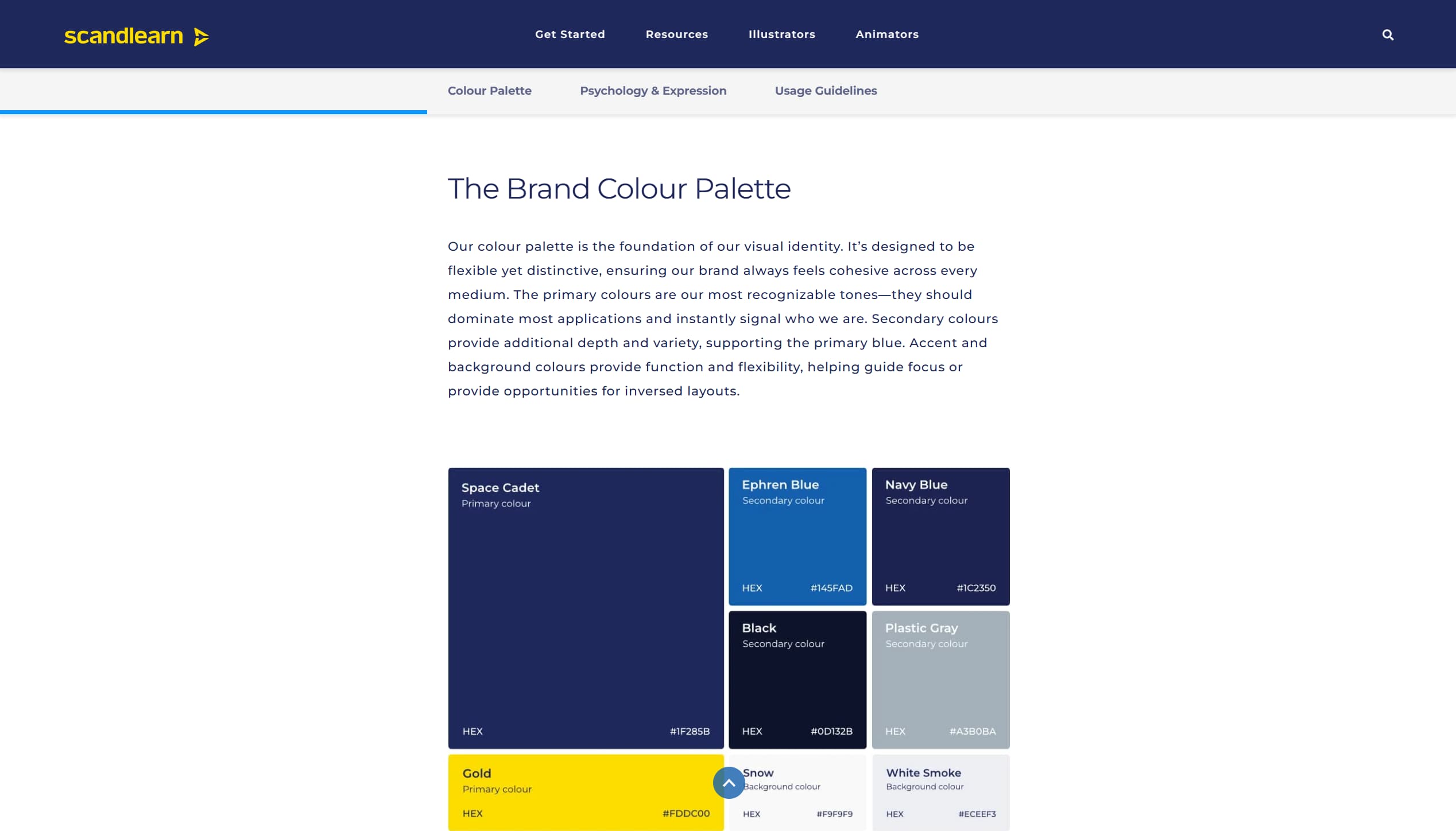
How to use our brand colours effectively to create a unified and engaging look across all materials.
16 October 2025
Read article
How we create the backgrounds for our courseware to achieve a cohesive training experience.
24 October 2025
Read articleFurther learning

Behind every page lies an invisible structure that keeps them neat, balanced, and consistent.
24 October 2025
Read article
Protective zones that ensure everything looks neat, readable, and visible across all screen types.
22 October 2025
Read article
Learn to animate characters, creating lifelike breathing for dynamic and engaging scenes.
21 November 2025
Read article